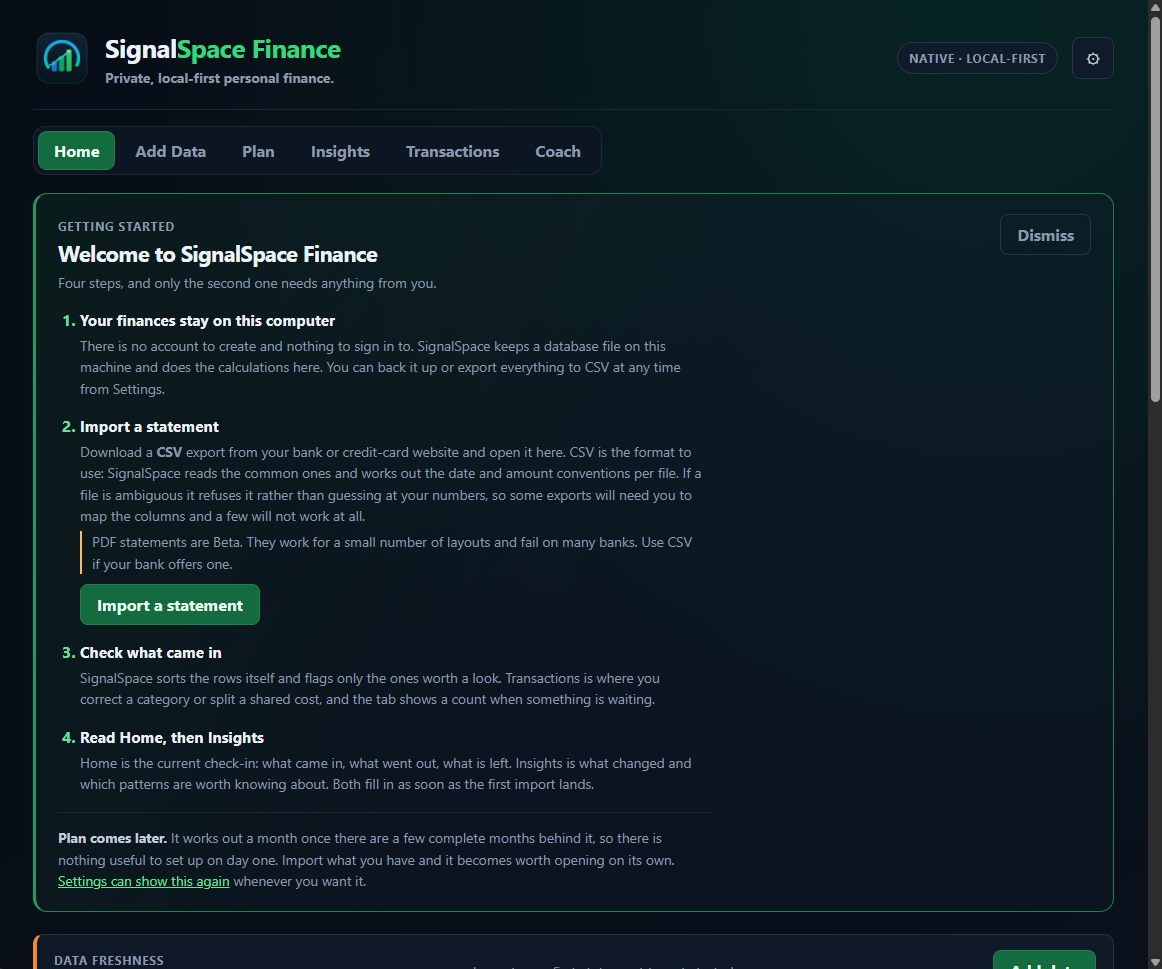
Windows public beta

Your statements. Your computer. Useful answers.

Northstar Ledger imports bank and credit-card statements, checks the numbers locally, and turns them into a practical monthly check-in. No account, no subscription, and no finance-data server.

The installer is currently unsigned, so Windows SmartScreen may warn you. The download page includes its SHA-256 checksum.

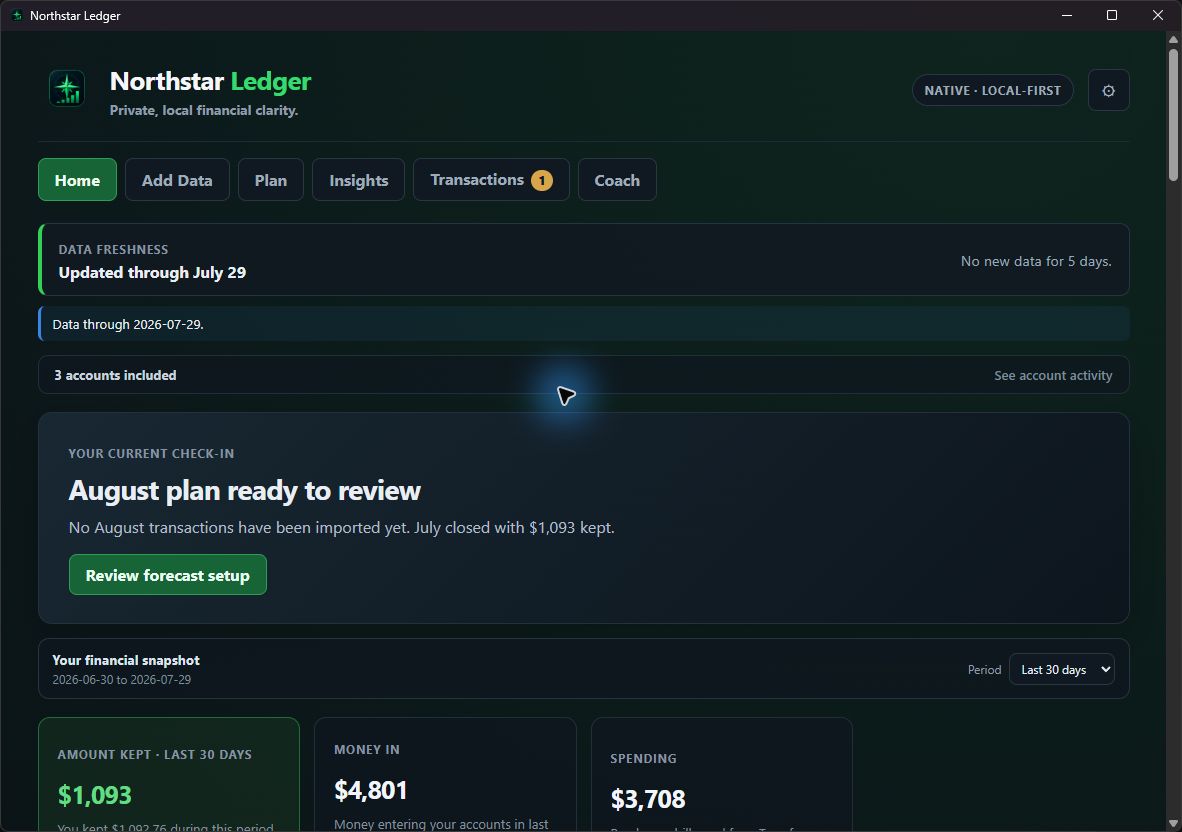
Northstar Ledger Home screen using fully synthetic demo data Synthetic demo data
Local SQLiteYour database stays on your PC
1,000+ testsFinance, import, UI-contract, and safety checks
Fail-closed importsAmbiguous dates or amounts are refused
Optional AIBeta, read-only, and off by default

Product tour

See what the desktop app actually does

This page is a tour, not a browser copy of the finance engine. The real application is the Windows download and every screenshot below uses generated demo transactions.

A useful weekly check-in

Start with what changed, not a wall of charts

Home shows money in, spending, what you kept, same-day comparisons, and the next decisions that can improve the numbers.

  • Equal-period spending comparisons
  • One balance-checked Safe to Spend number
  • Plain-language findings from local calculations
Northstar Ledger Home screen using synthetic data
01

Import without hiding the risky part

Northstar detects a statement's columns, date format, and amount convention once. If the evidence conflicts, the import stops instead of guessing and quietly corrupting the ledger.

02

Separate cash flow from transaction signs

Positive means money entered that account. Negative means money left. Transfers and card payments keep their signs without becoming fake income or spending.

03

Plan with bills that land at different times

Monthly bills, quarterly costs, annual renewals, savings, and a safety buffer share one equation. Forecasts qualify missing or stale data instead of pretending every month is complete.

04

Track net worth from readings you entered

Cash, investments, other assets, and debt are recorded month by month. The chart never fills gaps or invents a balance from spending activity.

Privacy boundary

Local-first is a design rule, not a badge

Statement parsing, categorization, planning, charts, backups, and the SQLite database all run on your computer. There is no Northstar account, telemetry service, or background financial-data sync.

Optional AI is different and the app says so plainly. If you enable an online provider, only the evidence packet for the question you asked is sent to that provider. AI is read-only and cannot change the ledger.

Read the full security and privacy notes

Stays local

  • Statement files and SQLite database
  • All finance calculations and charts
  • Backups, rules, plans, and preferences

Leaves only when you ask

  • An optional AI evidence packet
  • Only to the provider you configured
  • Never with write access to your data

How it works

Three layers, one source of financial truth

React + TypeScriptNative desktop interface and charts
Python engineImports, semantics, planning, and insights
SQLiteLocal transactions, settings, and backups

A small Rust/Tauri shell packages the app for Windows and talks to the Python engine over stdin and stdout. There is no browser tab or localhost server.

Public beta

What is still rough

Try it with demo data before importing anything real.

The source, installer, checksum, setup guide, and known limits are all public.